
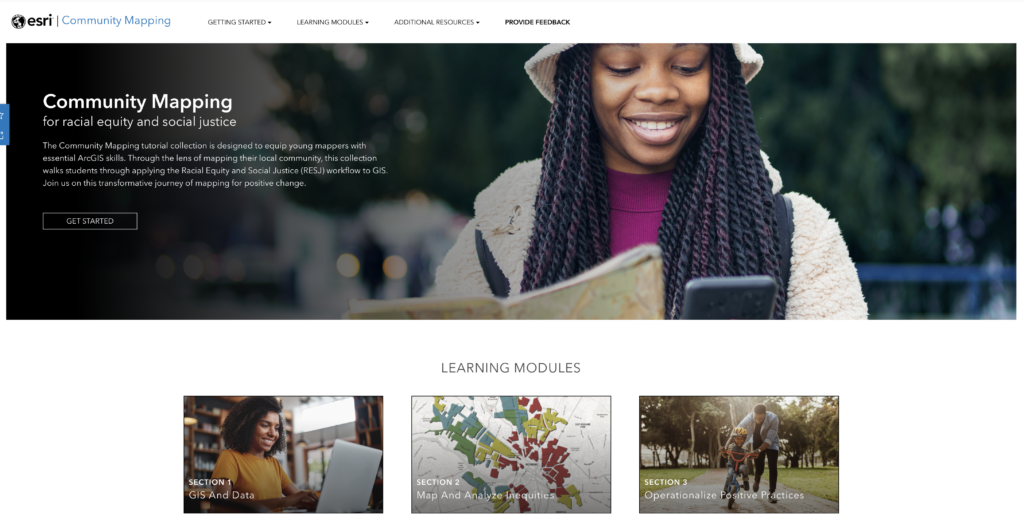
UMSL provides students with access to Geospatial Information Systems (GIS) for a variety of mapping needs. ArcGIS is a product of ESRI, which offers tools for community mapping projects and related tutorials. The Community Mapping tutorial collection is designed to equip young mappers with essential ArcGIS skills.
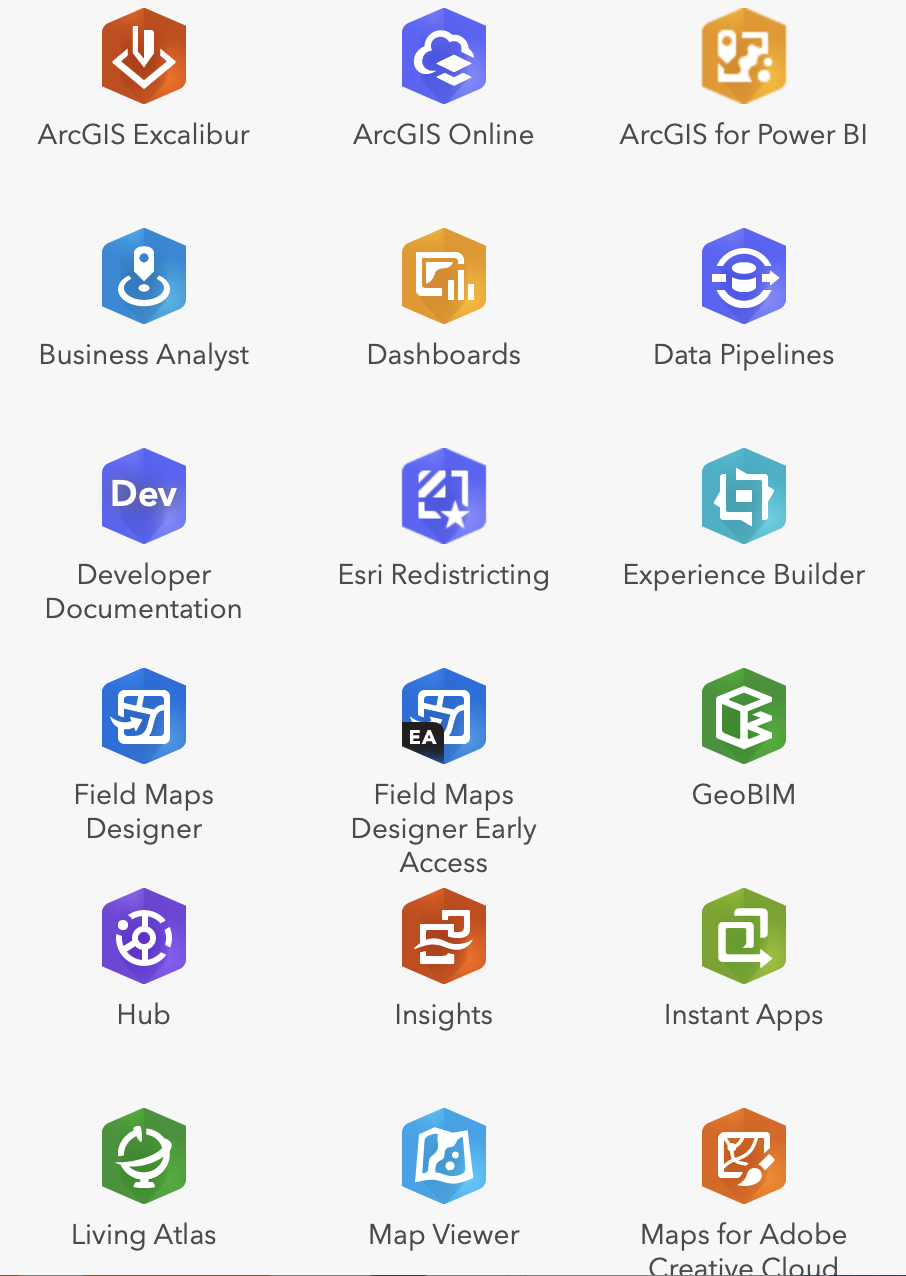
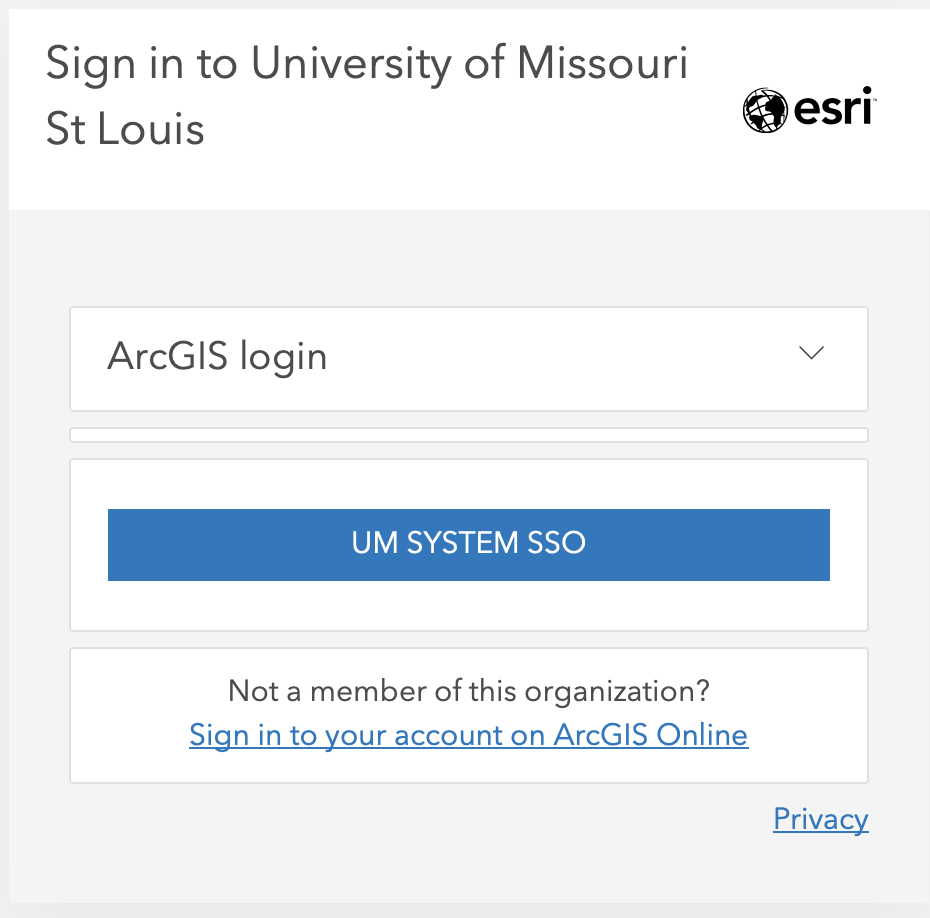
UMSL faculty, staff, and students can access Esri ArcGIS software at UMSL’s online portal.
Click the UM SYSTEM SSO button and enter your university email and password to create an account.
ArcGIS Field Maps is a mobile data collection app that allows you to create data-driven crowd-sourced maps. Crowdsourcing a map allows the developer to gathering opinions, data, or information from a group of people and displaying that information spatially.
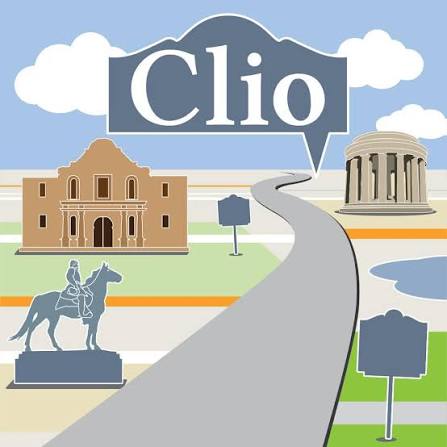
Clio is an online took for creating a tour of select historic sites or markers. You can create your own maps highlighting locations specific to an event or theme, then share your map for others to use and enjoy! Clio is also a great place to browse for historic tours that other users have created.

My Maps allows you to create your own custom Google map, with a selection of different base maps and ability to add multiple pin drops. These maps are easily embedded into a Google Site.
Knight Lab StoryMap JS is an online tool for making interactive maps for projects focused on place. Media and text can be attached to mapped locations.
Omeka S has an optional mapping module that can be added. This allows for geolocating items in collections. The tutorial video to the right shows how to select locations on the map with points, rectangles, and polygons.
